Generate a TikTok feed with the main bridge
- Open the TikTok bridge and fill in the data requested by the bridge, for example the TikTok username.
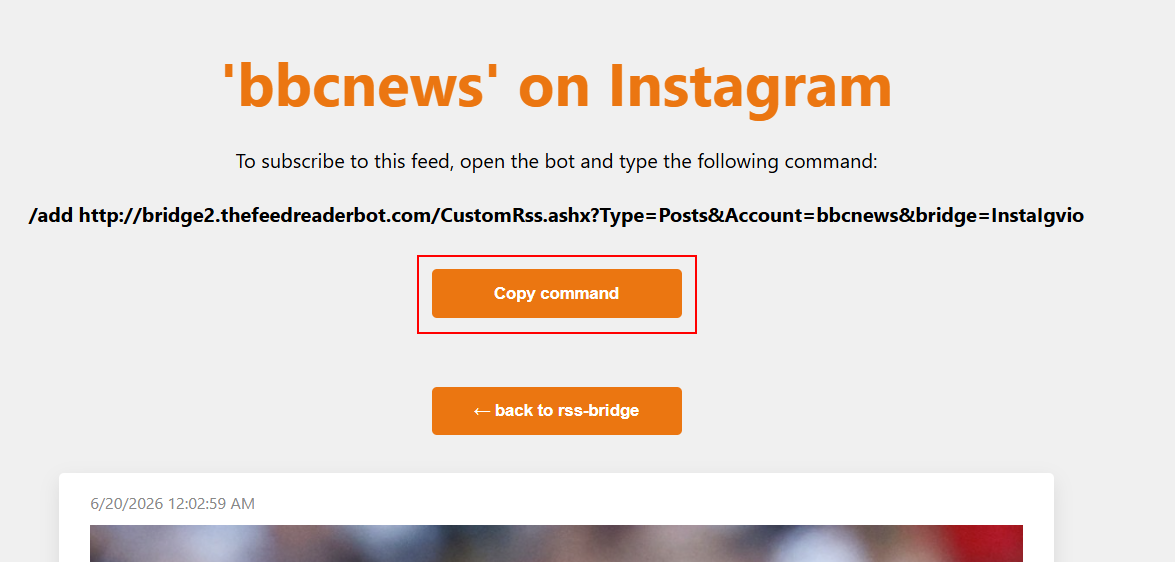
- Generate the feed, then use the Copy command button.
- Paste the copied command into The Feed Reader Bot.
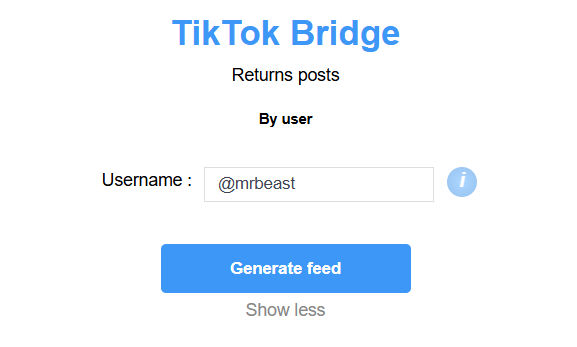
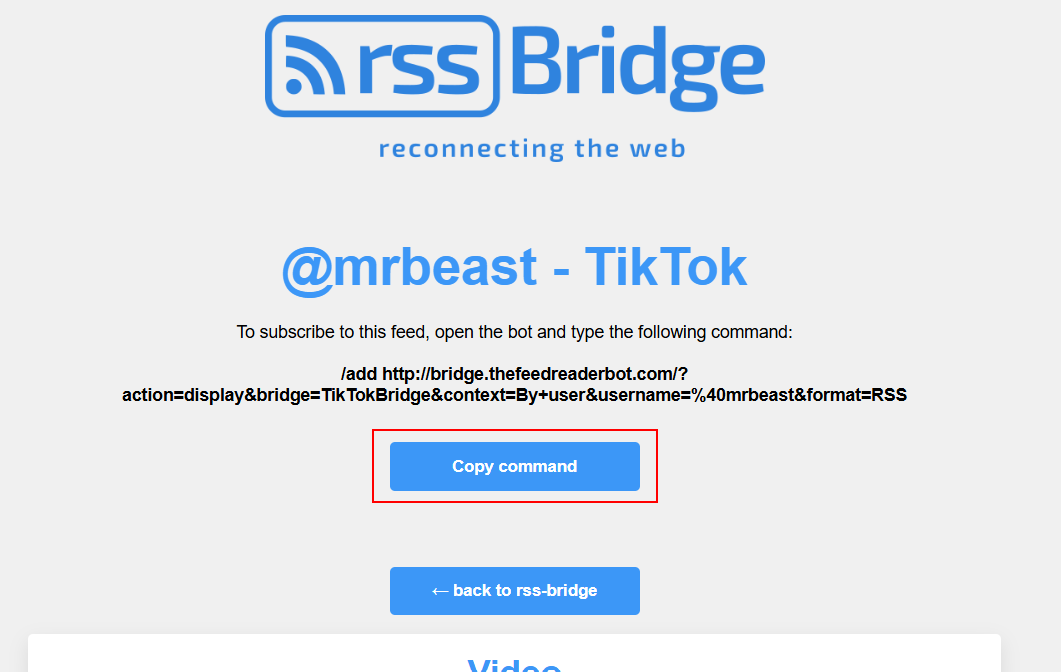
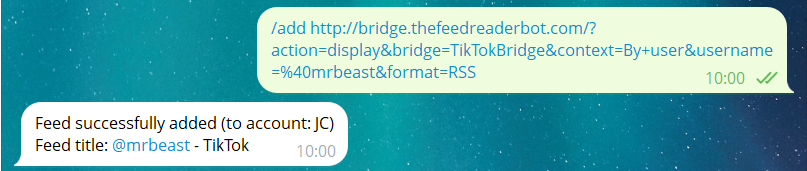
Some websites do not provide native RSS feeds. RSS Bridge can generate a feed for supported websites, then The Feed Reader Bot can monitor it for you.
How to use RSS Bridge with The Feed Reader Bot.
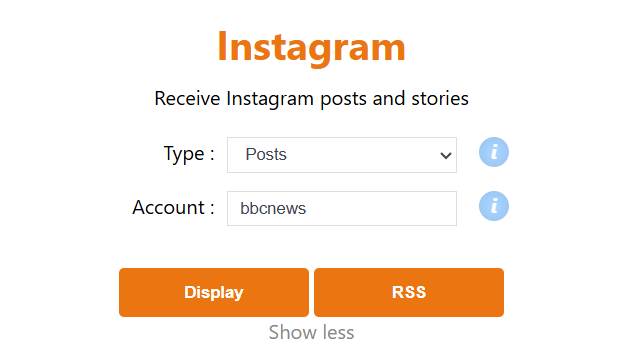
RSS Bridge supports specific websites only. Choose the bridge that matches the website you want to monitor, fill in the requested data, then copy the generated command into the bot.

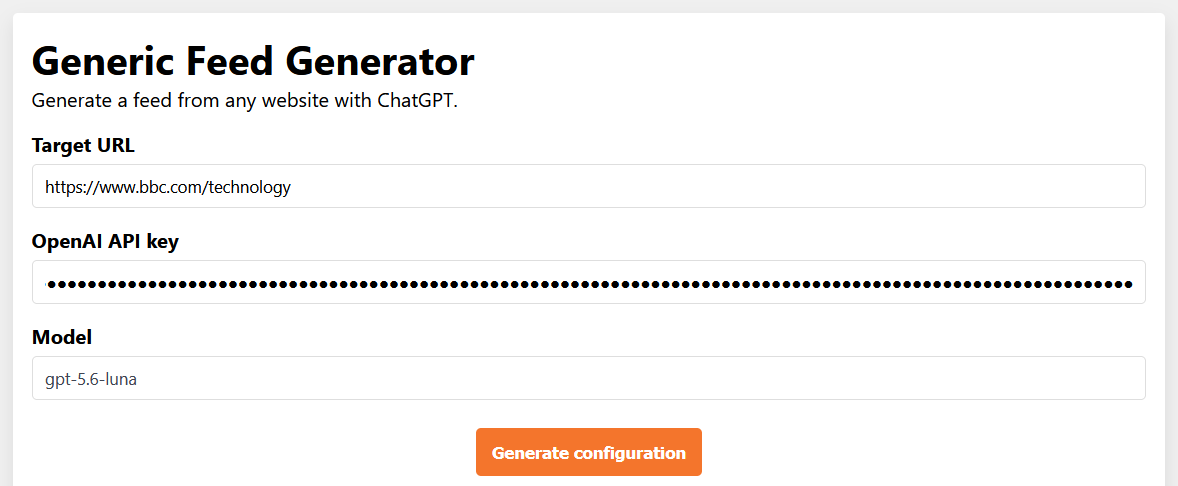
If a website is not supported by an existing bridge, Generic Feed Generator can ask ChatGPT to create one.
Important: your OpenAI API key is used only once, when the configuration is generated. It is not included in the generated feed, so you will not be charged by OpenAI each time The Feed Reader Bot checks the feed.
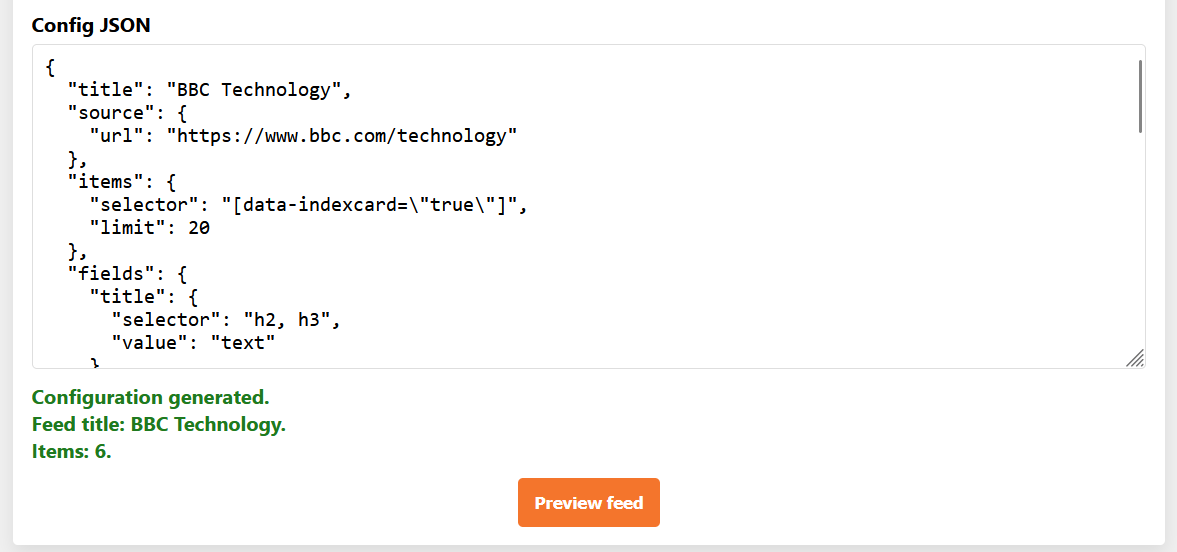

If you cannot generate a working feed, use /request_feed in The Feed Reader Bot and include the website URL. The URL will be reviewed to see if a feed can be generated, but there is no guaranteed response time.