Single account
From a single X account
You can follow a specific X account with the /add command.
/add @accountName
Example: /add @elonmusk
Receive posts from individual X accounts or lists, configure your own API key, and post feed updates back to X/Twitter.
Start with simple commands, then use advanced API options when needed.
The fastest setup is command-based: add a single account with /add, or subscribe to an X list with /add_twitter_list.
You can follow a specific X account with the /add command.
/add @accountName
Example: /add @elonmusk
To receive tweets from an X list, use /add_twitter_list listID.
For example, to subscribe to https://x.com/i/lists/1461248048525414405, type:
/add_twitter_list 1461248048525414405
Unlimited accounts can be added to the list.
You cannot receive replies from an X list.
Premium and Elite subscribers can use API-based X/Twitter workflows for faster or more advanced integrations.
If you are an X/Twitter developer subscriber and have a Free, Basic or Pro plan subscription, you can use your own API key.
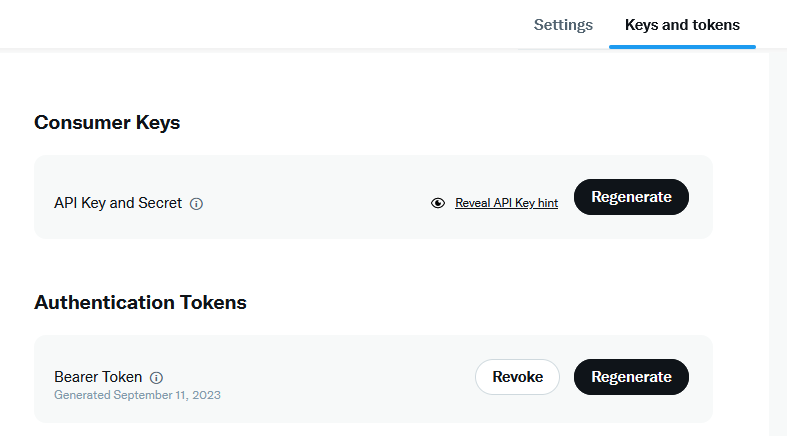
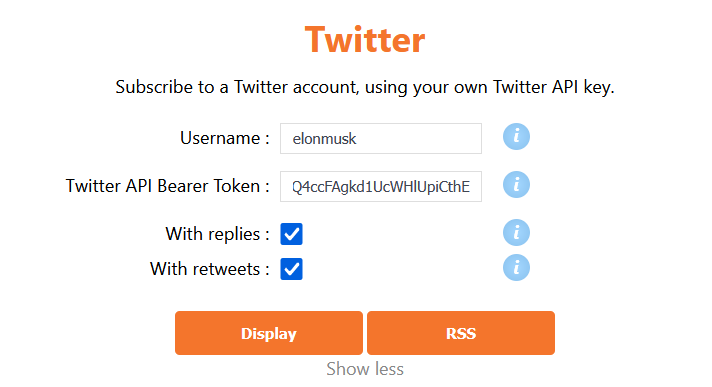
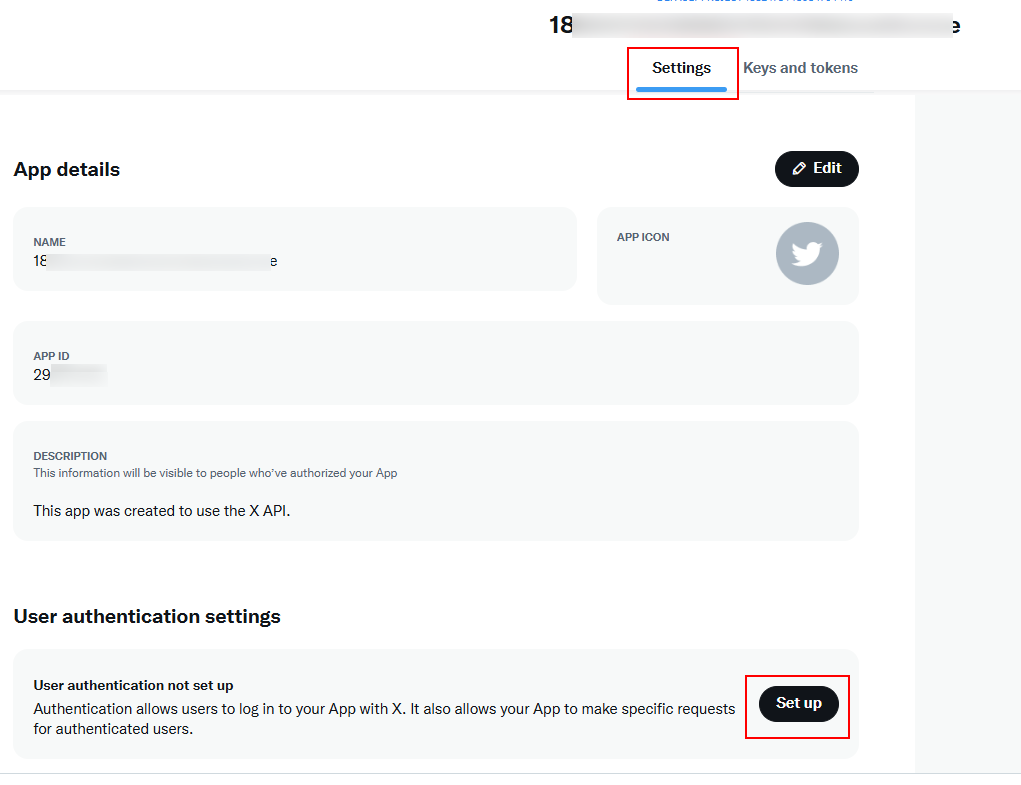
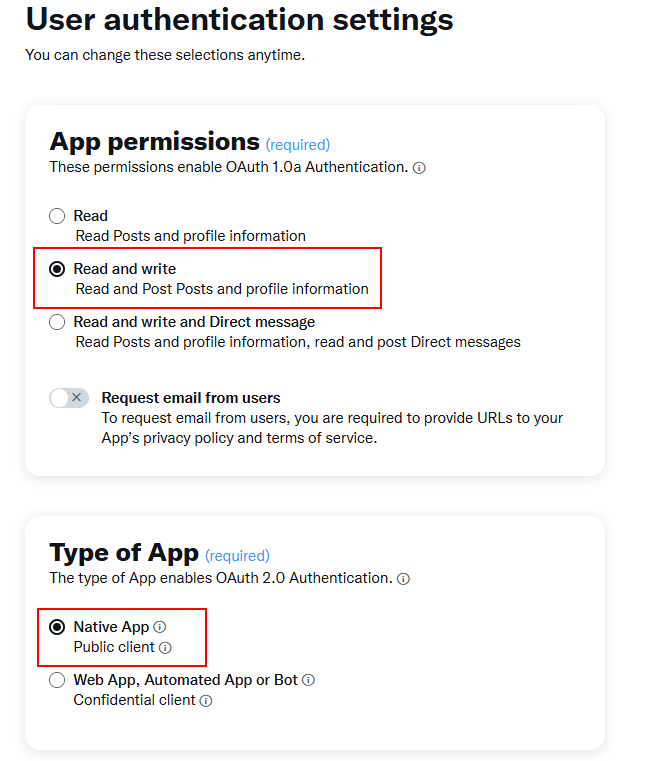
You can configure the bot to post to X/Twitter. First, create a developer account on the X/Twitter developer portal. A Free subscription lets you post 1500 messages per month.
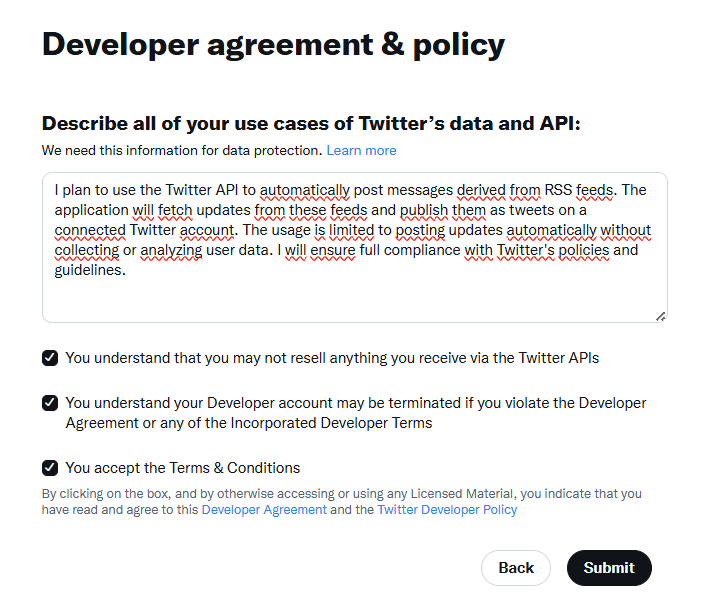
I plan to use the Twitter API to automatically post messages derived from RSS feeds. The application will fetch updates from these feeds and publish them as tweets on a connected Twitter account. The usage is limited to posting updates automatically without collecting or analyzing user data. I will ensure full compliance with Twitter's policies and guidelines.
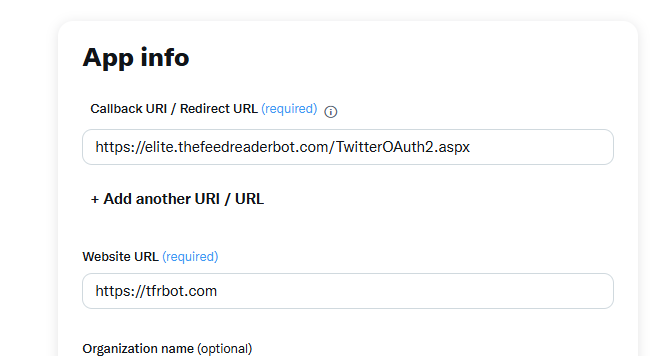
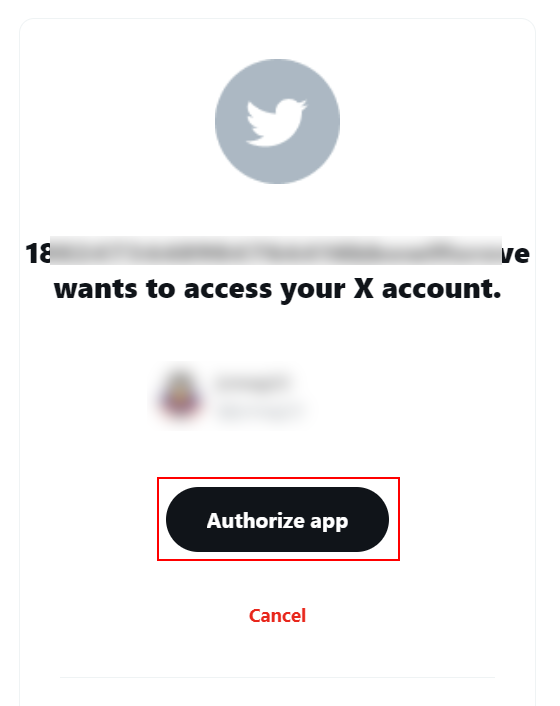
https://elite.thefeedreaderbot.com/TwitterOAuth2.aspx as the Callback URI, and https://tfrbot.com as the Website URL./twitter command./template, then select which feed you want to post on X/Twitter.

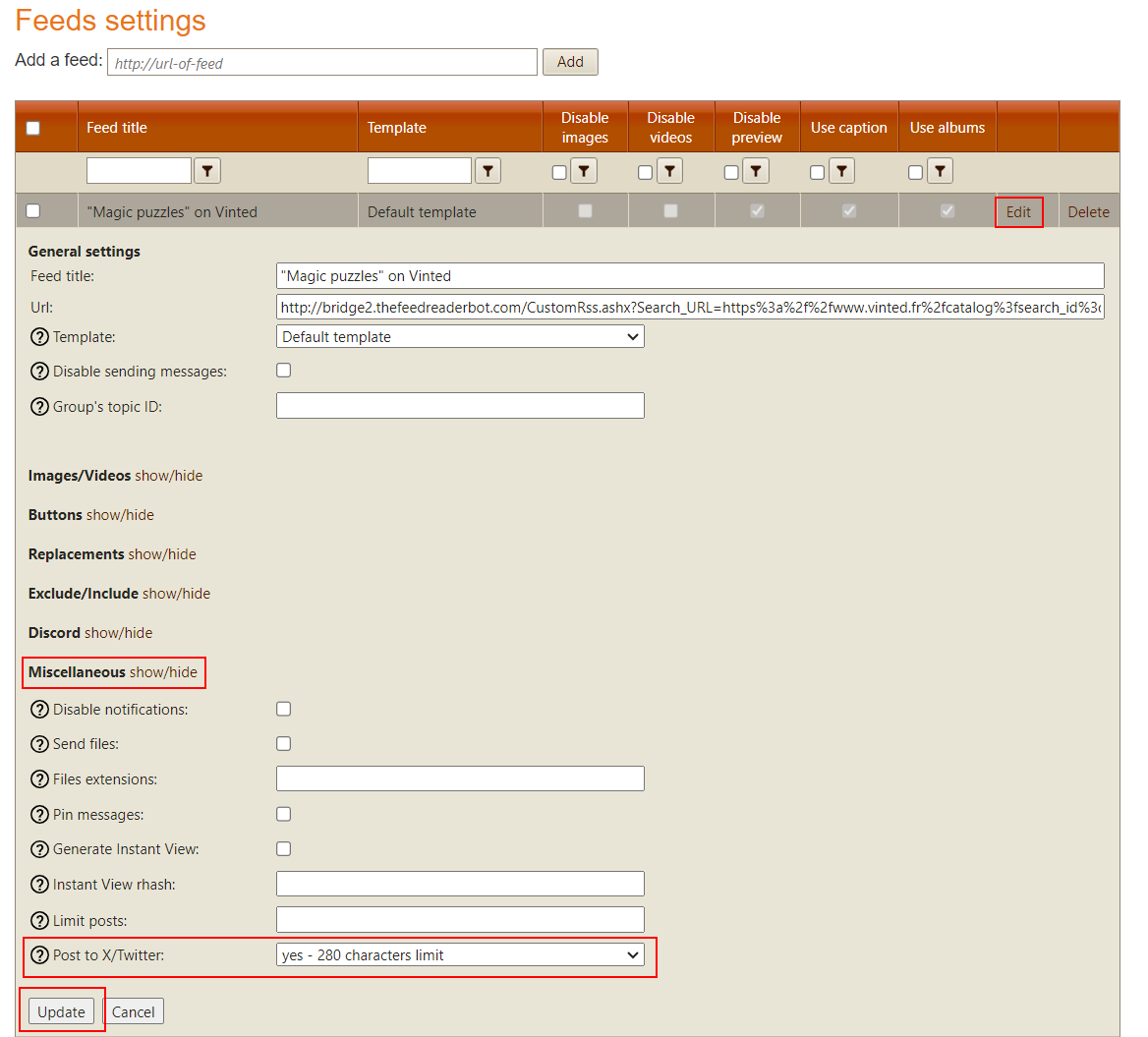
Select yes - 4000 characters limit only if you are an X Premium user.
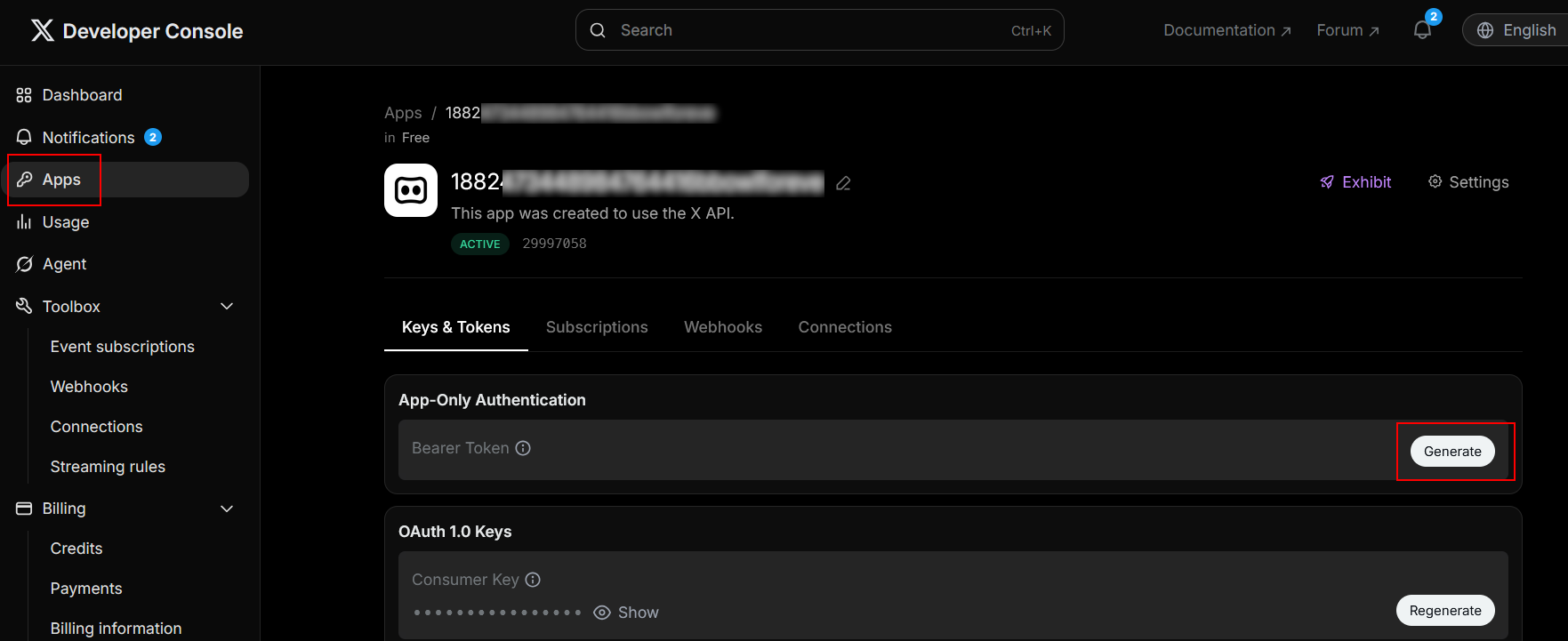
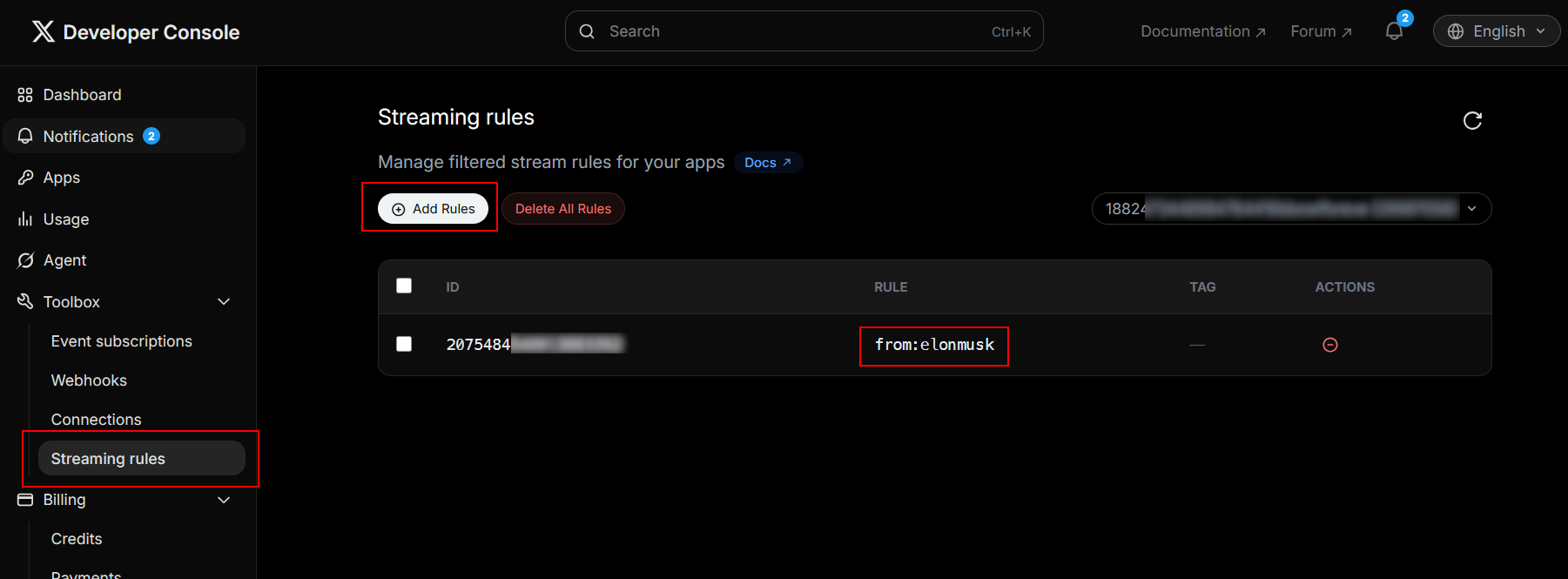
If you want to receive tweets in a few minutes or seconds, two solutions are available.
/add_streamingX bearer_token.